A study with Tubulis measuring mAb, linker and drug signatures separately and within the ADC.
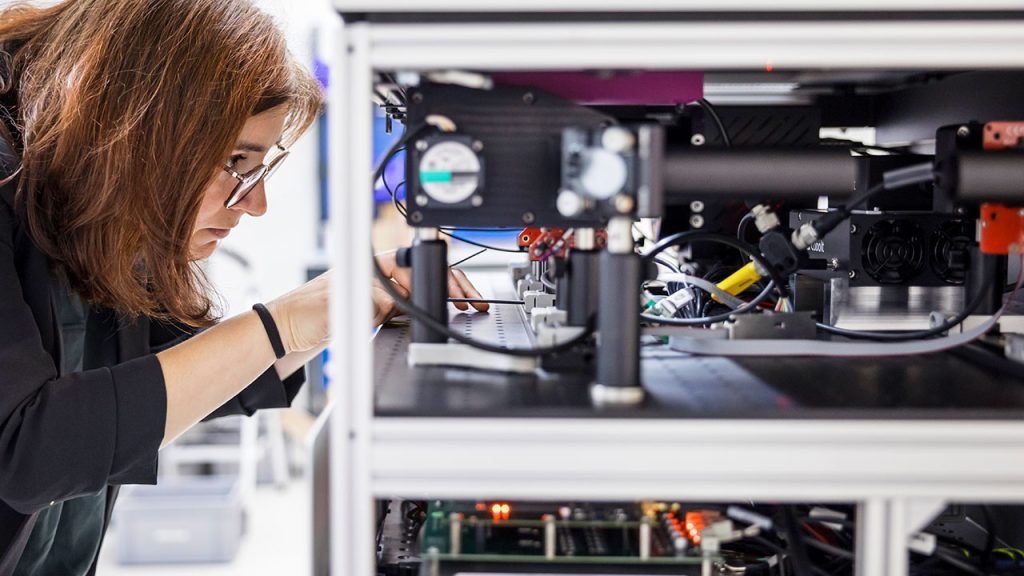

Raman Optical Activity (ROA) is a powerful spectroscopic technique that reveals molecular chirality and three-dimensional structure directly in solution — information that is often inaccessible with conventional analytical methods. ROA is uniquely sensitive to subtle conformational and stereochemical differences that can directly impact biological activity, process behavior, and product performance.
Enantios ROA translates this advanced technique into an industry-ready solution. Designed for robustness, reproducibility, and usability, Enantios instruments deliver reliable structural insight in pharmaceutical and chemical laboratories — enabling confident decisions where molecular complexity matters most.
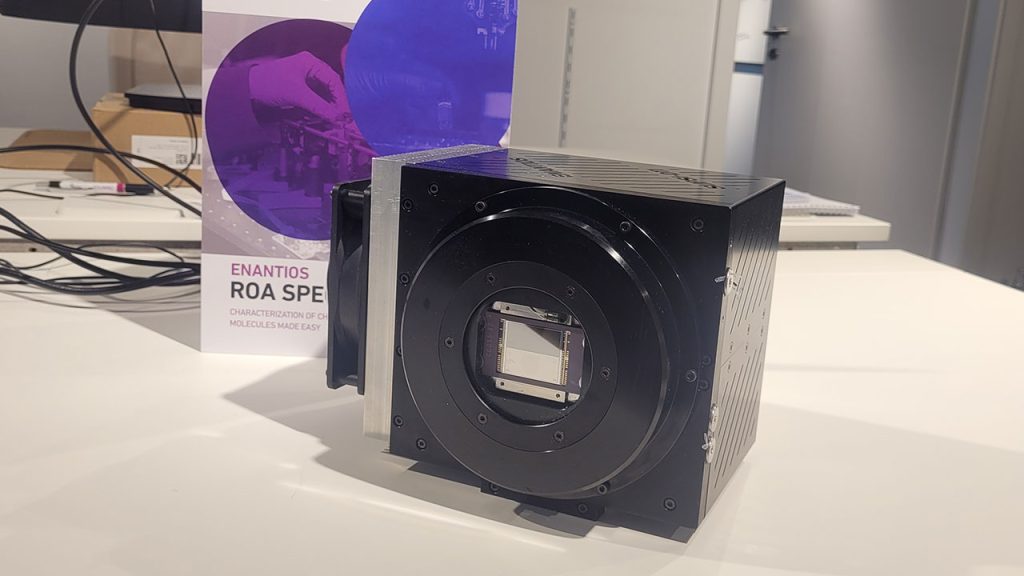
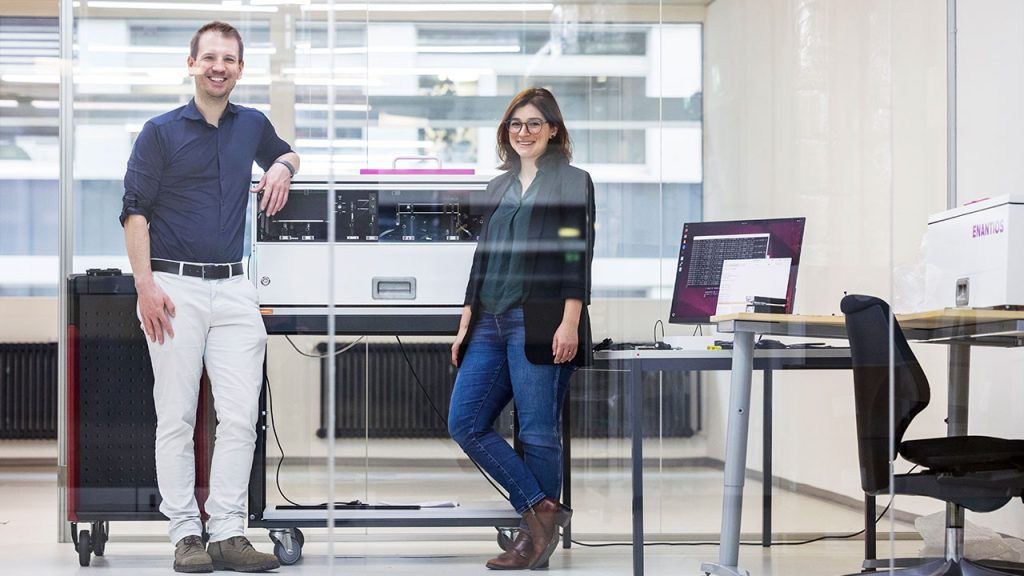
The Enantios ROA instruments originated from research at ETH Zurich, where foundational work focused on translating Raman Optical Activity from a specialist research technique into a practical analytical tool. A key breakthrough was the adaptation of highly sensitive detector technology originally developed for solar imaging, enabling the reliable measurement of extremely weak ROA signals. By combining this detector innovation with purpose-built optical design, Enantios transformed ROA into a robust, industry-ready solution for pharmaceutical and chemical laboratories.
Measurement of Raman Optical Activity with High-Frequency Polarization Modulation
Raman Optical Activity (ROA) enables direct insight into molecular chirality and three-dimensional structure, making it valuable across a wide range of applications. It is used to differentiate structurally similar molecules, study conformational behavior in solution, assess stereochemical integrity, and investigate subtle structural changes that influence biological activity or process performance. These capabilities make ROA particularly relevant in pharmaceutical development, manufacturing support, and specialty chemistry, wherever molecular complexity drives critical decisions.
To access the full application notes, click ‘Request an App Note’ and select the App Notes you are interested in

A study with Tubulis measuring mAb, linker and drug signatures separately and within the ADC.
A supplier quality check that showed the delivered isomer was not the one ordered.
Absolute configuration confirmed against experimental and simulated spectra.
Enantiomeric excess in as little as five minutes, to 1.4–5.4% accuracy.
Clear experimental differentiation of enantiomers, with artifact mitigation.
Absolute configuration determined in DMSO, without crystallization or XRD.